 Water Lilies, QuietAfter Claude Monet
 Red Fuji, SimplifiedAfter Katsushika Hokusai
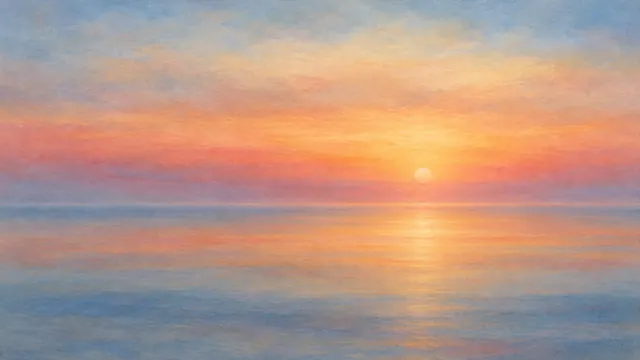 Turner Sunset, AbstractAfter J. M. W. Turner
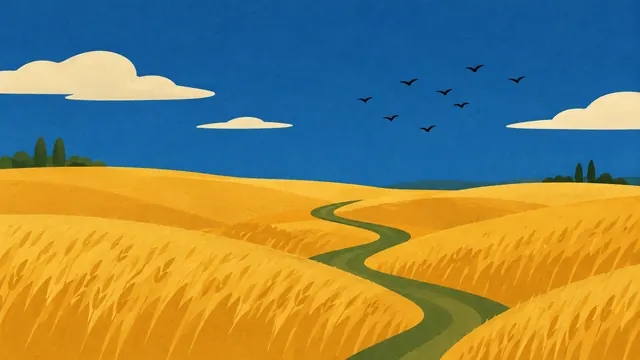 Wheatfield, Mid-CenturyAfter Vincent van Gogh
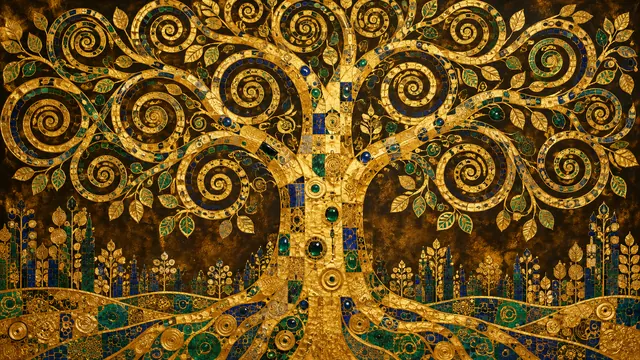 Golden Tree of LifeAfter Gustav Klimt
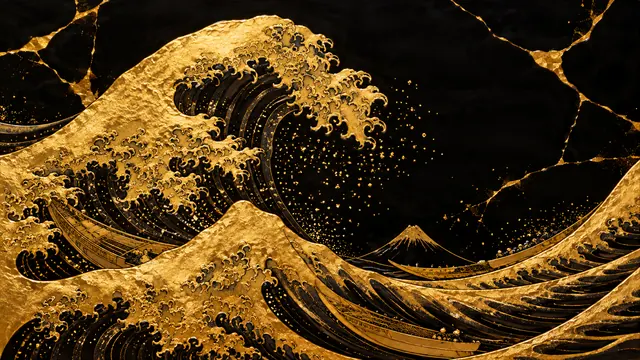 The Great Wave in Gold LeafAfter Katsushika Hokusai
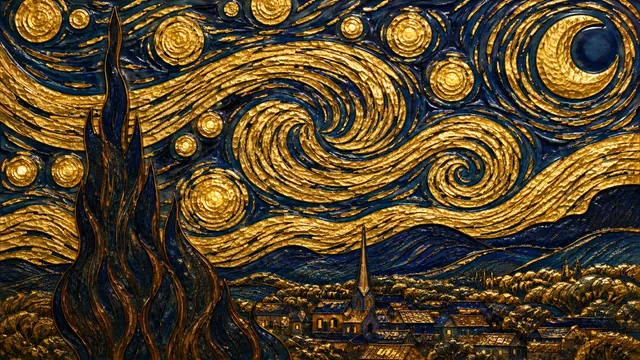 Starry Night in GoldAfter Vincent van Gogh
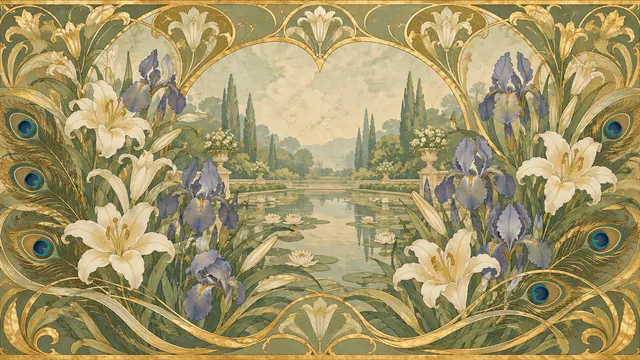 Art Nouveau Iris GardenAfter Alphonse Mucha
 Wanderer above the Dust of MarsAfter Caspar David Friedrich
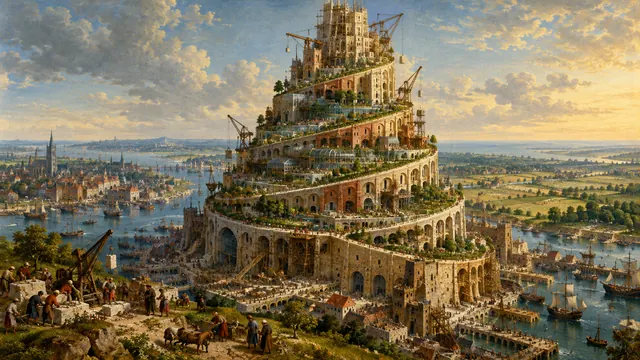 The Tower of Babel, ArcologyAfter Pieter Bruegel the Elder
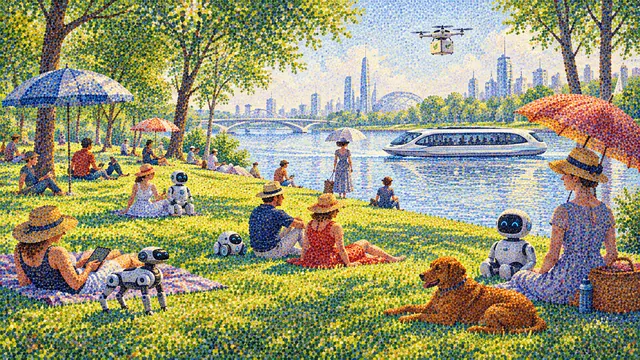 La Grande Jatte, 2080After Georges Seurat
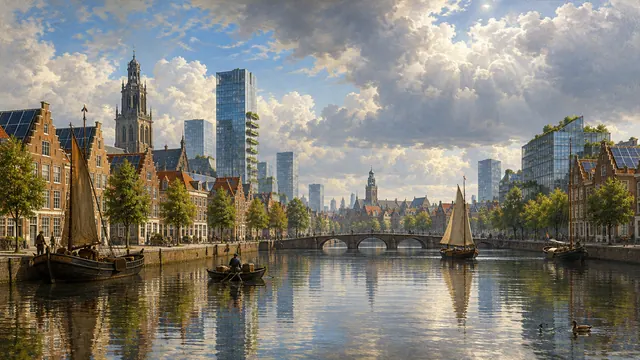 View of Delft, TomorrowAfter Johannes Vermeer
 Sakura River WalkAfter Utagawa Hiroshige
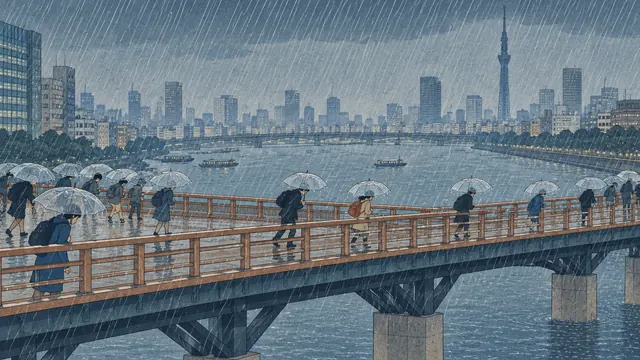 Sudden Shower over the City BridgeAfter Utagawa Hiroshige
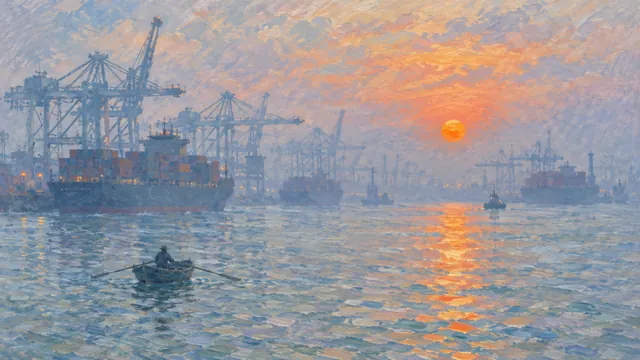 Impression, Port at SunriseAfter Claude Monet
 Woman with a Parasol, TodayAfter Claude Monet
All 24 works fit the Frame. Browse every style from the home page.
How to add free art to your Samsung Frame TV
- Download the 4K file. Open any artwork and tap Download 4K. It is 3840×2160, the Frame's native size.
- Open SmartThings. On your phone, open the SmartThings app and select your Frame TV (it must be on, or in Art Mode, and on the same Wi-Fi).
- Go to Art Mode. Tap Art Mode, then My Photos (newer models: the + or Add button).
- Pick the image and a mat. Choose the downloaded file, then choose No mat for full-screen or a Modern mat for a framed look.
- Set it as current art. Tap Set on TV. To rotate several pieces, use Art Mode's slideshow setting.
USB stick instead: copy the JPG files to a USB drive (FAT32 or exFAT), plug it into the One Connect box or the TV, and choose the images from Art Mode, My Photos.
Tips: warmer, softer pieces from Minimal & Calm and Soft Pastels look most like real canvas in a bright room. Turn on the Frame's motion sensor and brightness sensor so the art dims at night. Dark pieces look best on OLED, not on the Frame's matte panel.
Frame TV art questions
Is this Frame TV art really free?
Yes. Every image on GildPix is free to download for your own TV, with no account and no subscription. The Samsung Art Store costs about $4.99 a month; these are a free alternative.
What size should Frame TV art be?
The Frame shows 3840×2160 pixels (16:9) on 4K models, and our 4K downloads are exactly that size, so nothing is stretched or cropped. Smaller 1920×1080 images also work but look softer.
How do I put my own art on a Samsung Frame TV?
Download the 4K file to your phone, open the SmartThings app, select your Frame TV, tap Art Mode, then My Photos (or Add), choose the image and pick a mat. You can also copy images from a USB stick.
Which mat looks best?
For full-bleed digital art choose "No mat". For a gallery look choose a Modern or Shadowbox mat in white or black; the image is scaled down slightly inside it.
Will these work on LG, Hisense or other art-mode TVs?
Yes. Any TV that can show a photo from a USB stick or phone can show these, and LG Gallery mode, Hisense CanvasTV and TCL NXTFRAME all accept 3840×2160 images. Our TV art guide covers each brand.