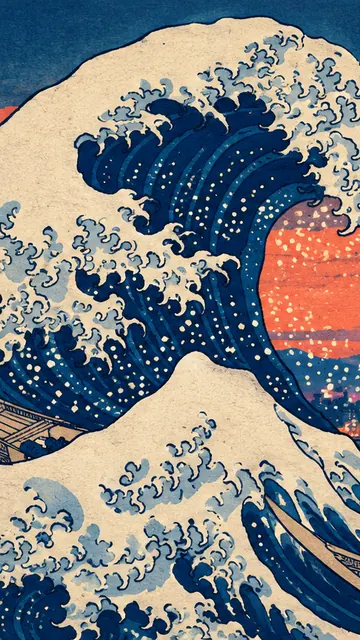
 The Great Wave, City at Dusk
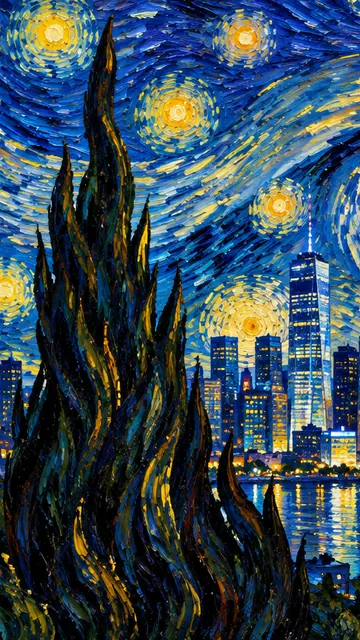 Starry Night over the City
 The Neon Temeraire
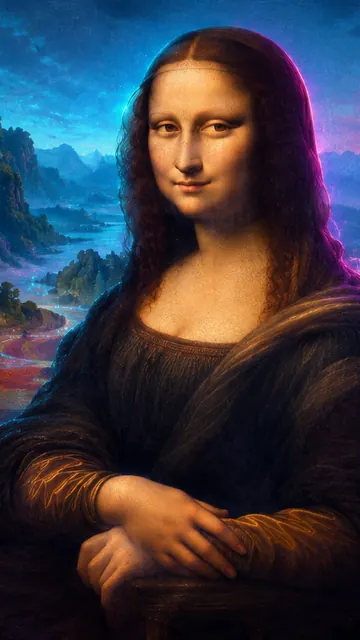 Mona Lisa, Neon Valley
 Water Lilies, Quiet
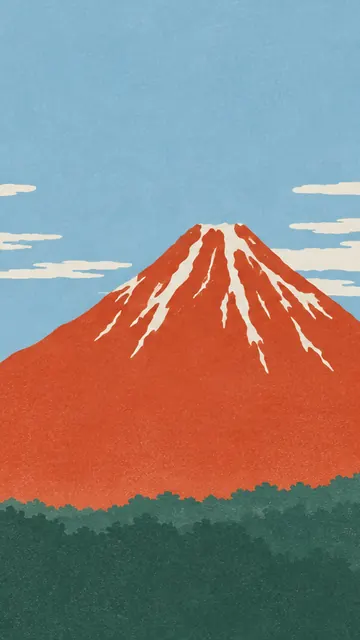 Red Fuji, Simplified
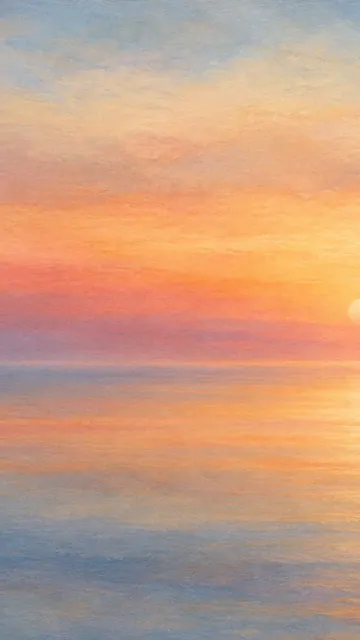 Turner Sunset, Abstract
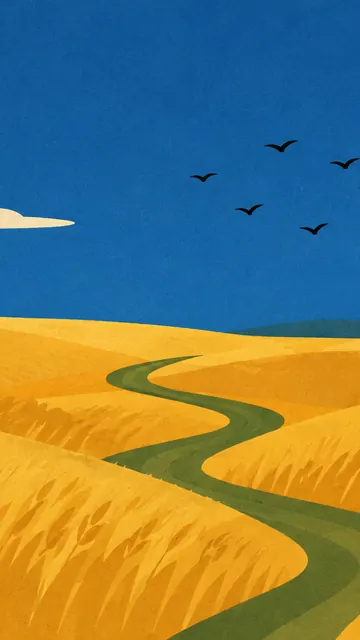 Wheatfield, Mid-Century
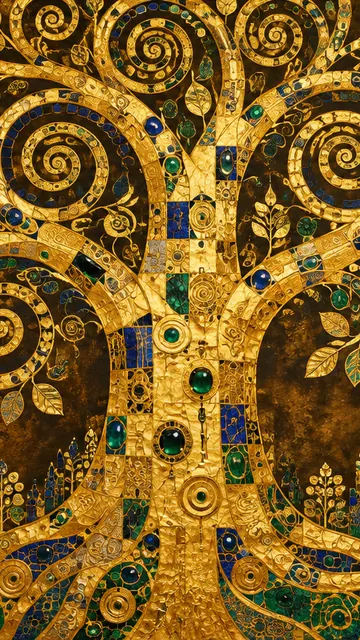 Golden Tree of Life
 The Great Wave in Gold Leaf
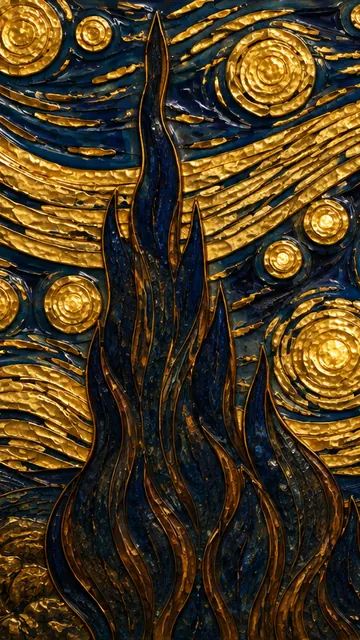 Starry Night in Gold
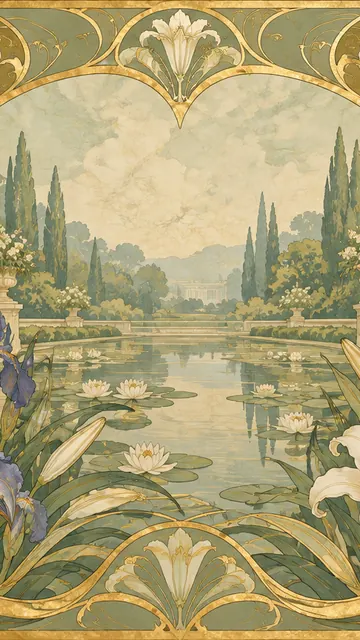 Art Nouveau Iris Garden
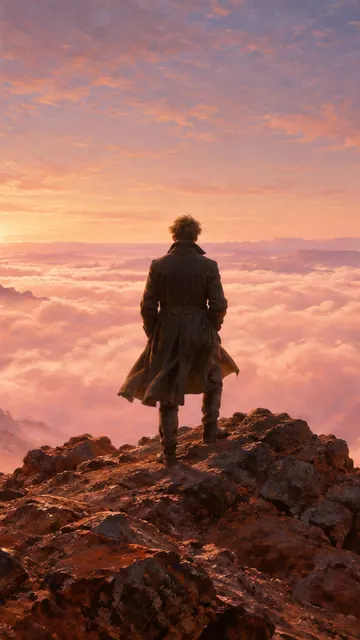 Wanderer above the Dust of Mars
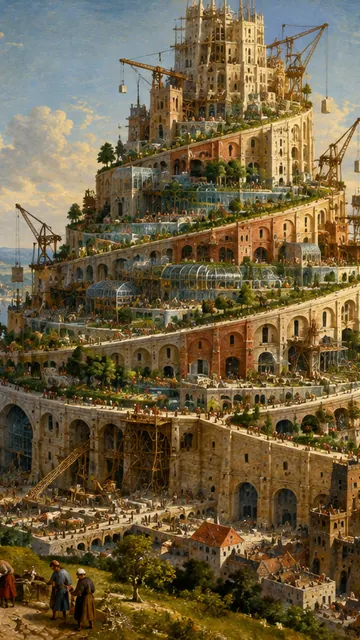 The Tower of Babel, Arcology
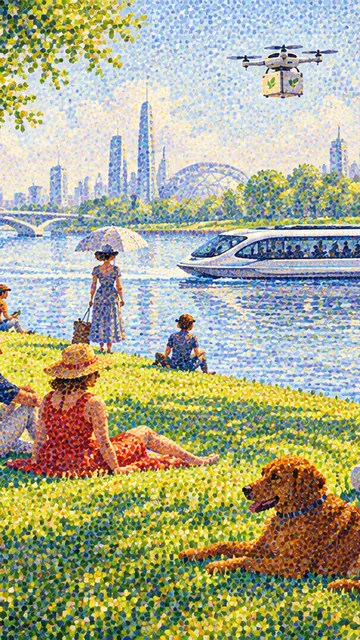 La Grande Jatte, 2080
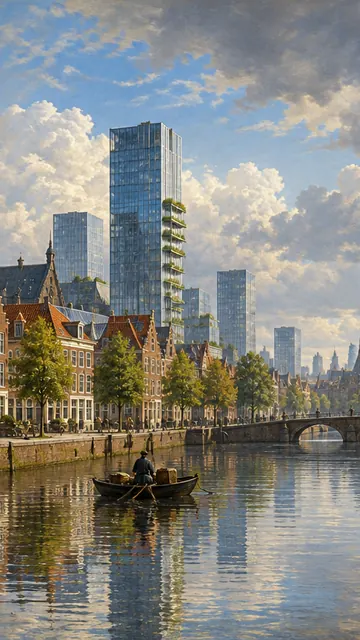 View of Delft, Tomorrow
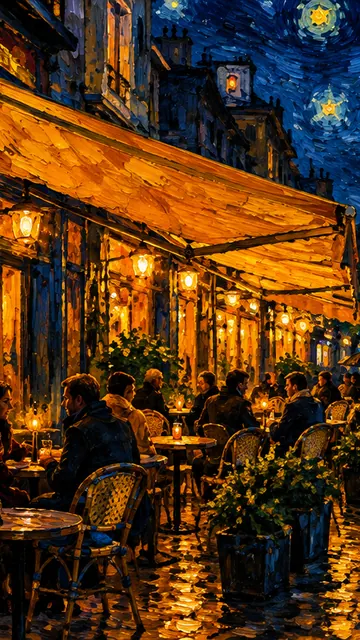 Café Terrace, Tonight
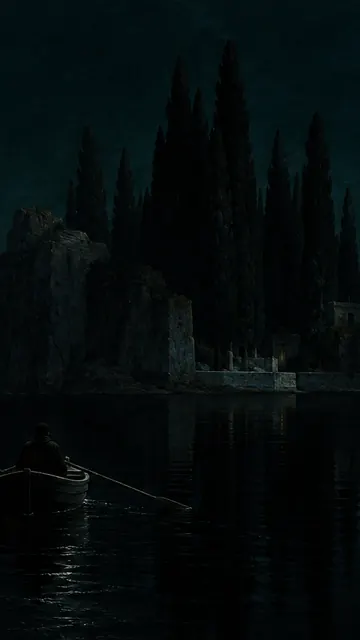 Isle of the Dead, Nocturne
 Nocturne in Blue and Gold, Now
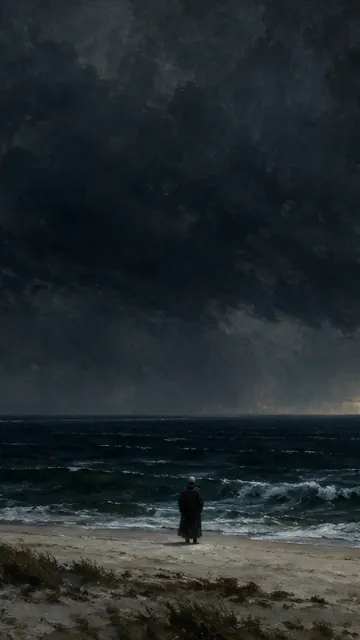 The Monk by the Stormy Sea
 Sakura River Walk
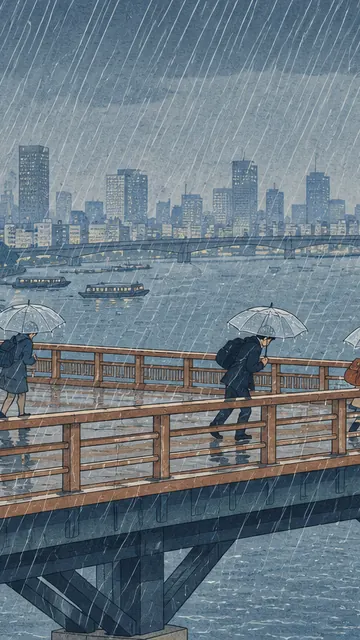 Sudden Shower over the City Bridge
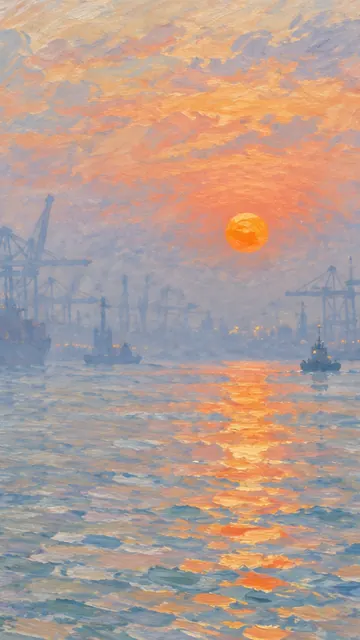 Impression, Port at Sunrise
 Woman with a Parasol, Today
Advertisement
How to set a phone wallpaper
iPhone: open the artwork, choose a crop, tap Phone, then save the image to Photos. In Photos, tap Share, Use as Wallpaper. The file is 1290×2796, the size of recent Pro Max models, so it is sharp on every iPhone.
Android: download the Phone size, open it in Gallery or Google Photos, tap the menu and choose Set as wallpaper. Pick Lock screen, Home screen or both.
Wallpapers look best when the busy part of the picture sits low or to the side, away from the clock. Use the crop slider on each artwork page to move it.